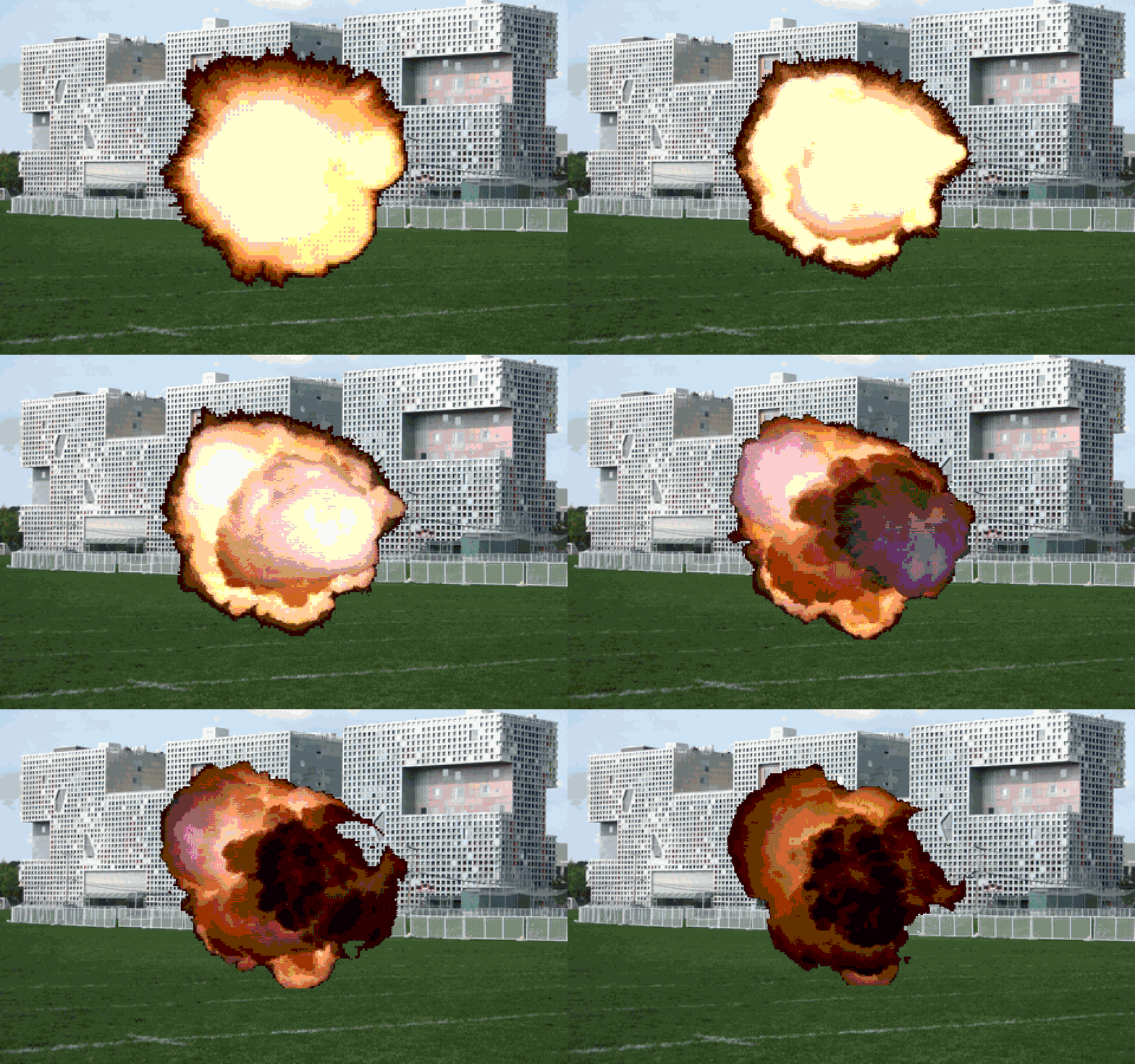
Game 1Free sample
Road Safety Movie
They learn: Broadcasts, ask, if
How to start a scene with a broadcast, then use ask and if to score a quiz.
A crash story, then a traffic-light quiz: red stop, yellow slow, green go.
Try this one free BuildBox
Ages 8–14 · Scratch only
Ten Scratch games your child or students can open, take apart, and rebuild. Game 1 is free. If they finish it, the other nine are $9.
Every project ships with the complete, working Scratch file — open it and see exactly how it's built.
Each mechanic is broken down in kid-friendly language, no jargon, no assumed experience.
A challenge to extend the game yourself, plus the solution so you're never stuck for long.
Built for classrooms and homeschool too — notes on pacing, common sticking points, and extensions.
Ages 8–14. Each card shows the exact Scratch skill that game teaches. Game 1 is the free sample.
Road Safety Movie
They learn: Broadcasts, ask, if
How to start a scene with a broadcast, then use ask and if to score a quiz.
A crash story, then a traffic-light quiz: red stop, yellow slow, green go.
Try this one freeThey learn: Clones, scoring
How to make many falling stars with clones, and keep a score variable.
Catch stars before they hit the ground. Score goes up with each catch.
They learn: Keyboard, touching
How to move with arrow keys and stop when the sprite is touching a wall.
Steer through a maze without hitting the walls.
They learn: Bounce, two players
How to bounce on edge and let two players move paddles on one keyboard.
A two-paddle bounce game. First to miss loses the point.
They learn: Ask, answer, if
How to ask a question, check the answer, and add points with if / else.
Same quiz blocks as the free sample, turned into a full game show.
They learn: Click events
How a click can change a costume and a variable, so the pet looks happier.
Feed a pet by clicking. It looks hungrier, then happier.
They learn: Gravity, landing
How to fake gravity with change y, and land when touching a platform.
Jump across platforms. Miss, and you fall.
They learn: Timer, difficulty
How a timer can speed the game up so later waves are harder.
Dodge rocks in space. The longer you last, the faster they come.
They learn: Sounds, keys
How each key can play a different sound, like a tiny instrument.
Press keys to play notes and build a short song.
They learn: Costumes, scenes
How switching costumes and backdrops turns a few drawings into a story.
A short movie made from scenes, the same idea as the free sample.
Most kids 8–14 stall out watching video after video without ever finishing their own game. BuildBox starts from a finished Scratch project so they can open it, poke around, break it, and rebuild it. Scratch is free. No extra hardware. No other languages yet.
Liked the free game? Get 9 more for $9Know a parent or teacher? Send them this.